Rig 2 View Beta · invite only

The wall screen for your rig.

Weather where you're parked tonight, alerts, countdowns, checklists and the night sky. Readable from across the rig.

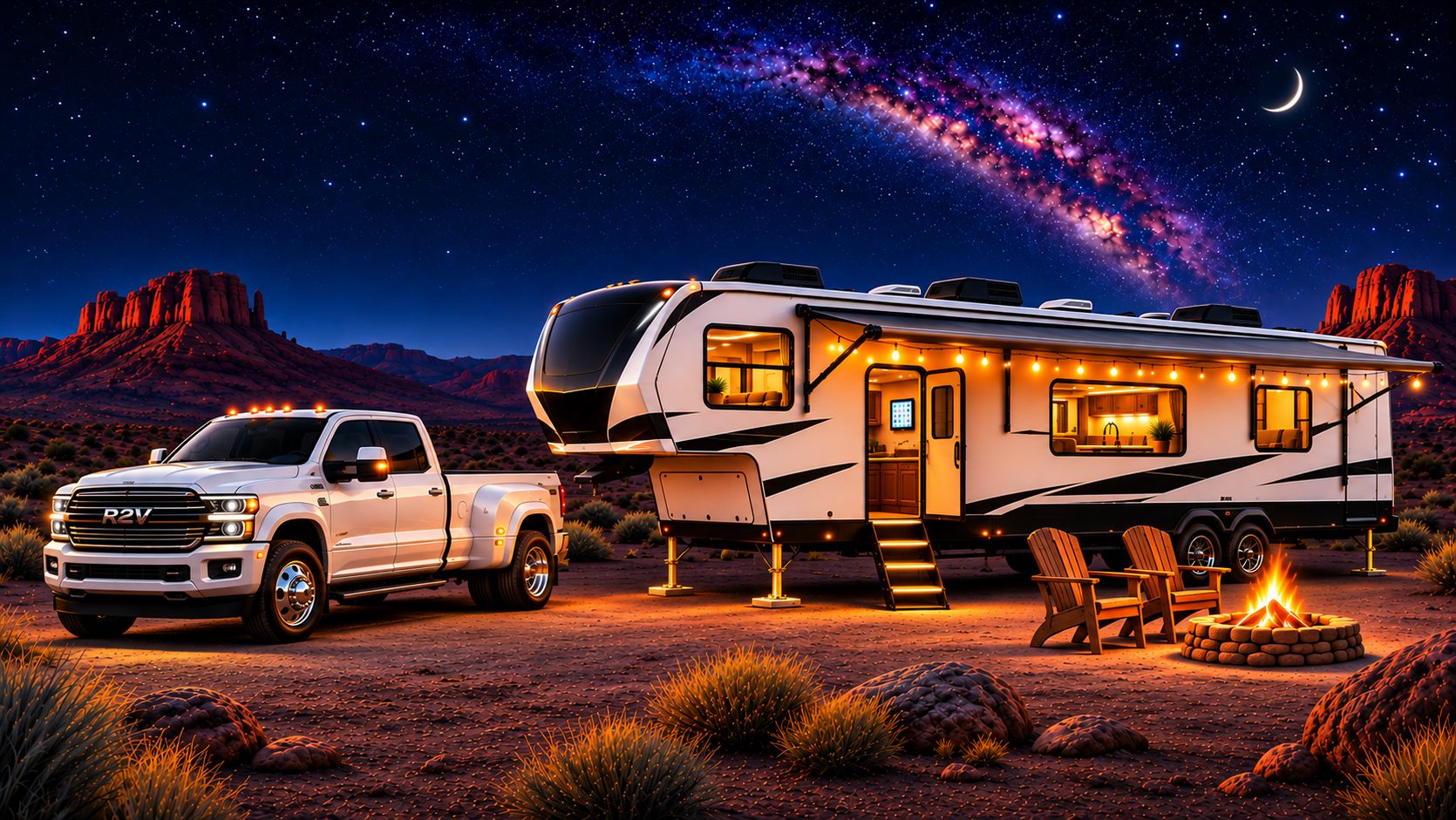
A truck and fifth wheel parked under a starry desert sky, lights on, chairs out by the fire.

Why it exists

We built it for our own wall.

We're Kristina and Scott. We wanted one screen in the rig that told us what we actually need to know: what the weather's doing where we're parked, whether there's a warning, how many days until the next stop, and whether we remembered to close the black tank.

Nothing out there did it the way we wanted, so we built it. Then another RVer saw it on our wall and asked for one. So here it is.
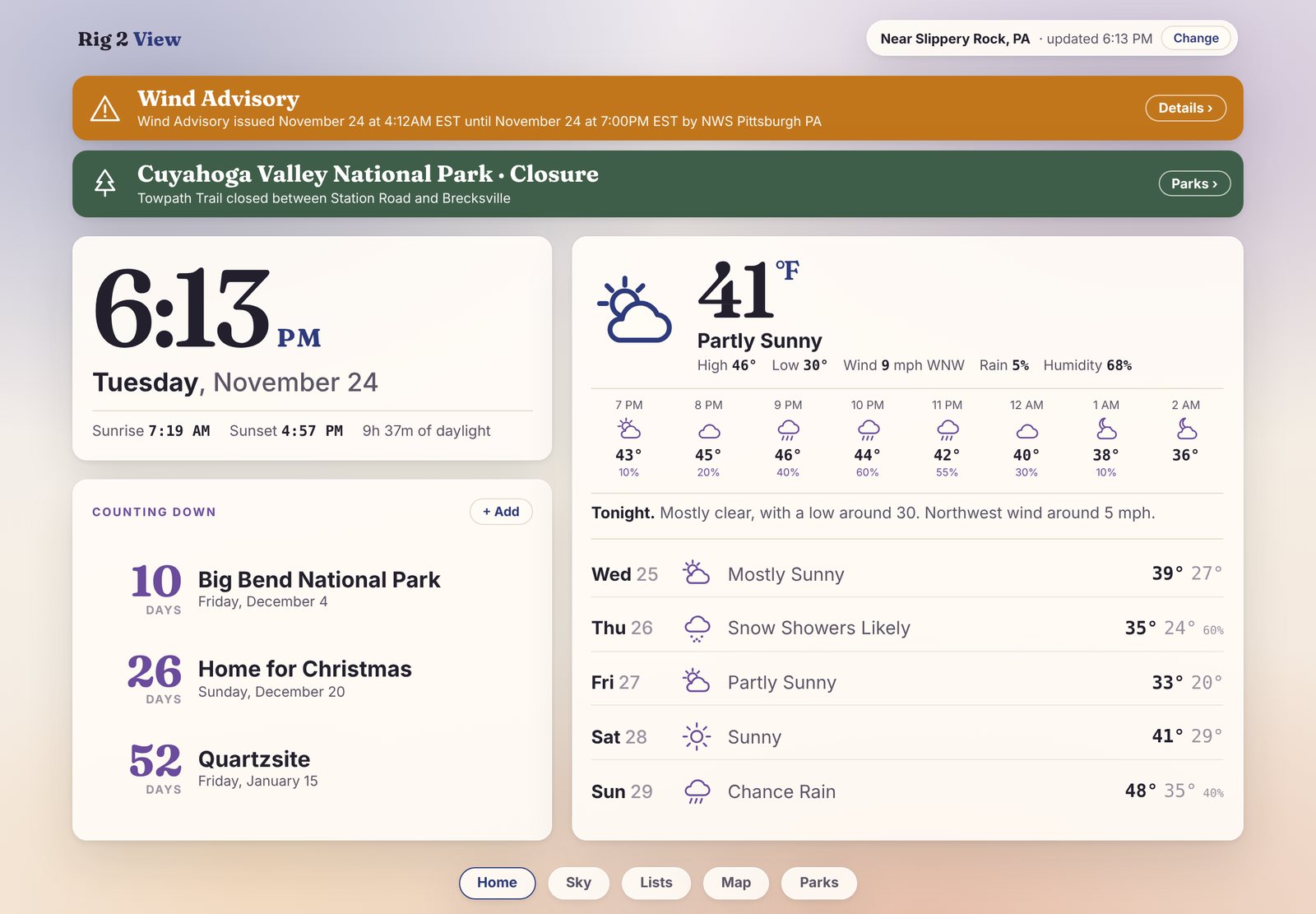
The Rig 2 View home screen: a wind advisory and a park closure across the top, the time, countdowns to the next three stops, and tonight's weather with the week ahead.

The home screen on an iPad. Big, light and easy to read from the couch.

Weather & alerts

Tonight's weather, wherever you're parked.

Pick a town or ZIP when you set up. Rig 2 View shows what's happening there now, hour by hour tonight, and the week ahead.

  • Weather warnings run across the top, most serious first. Tap one for the full text.
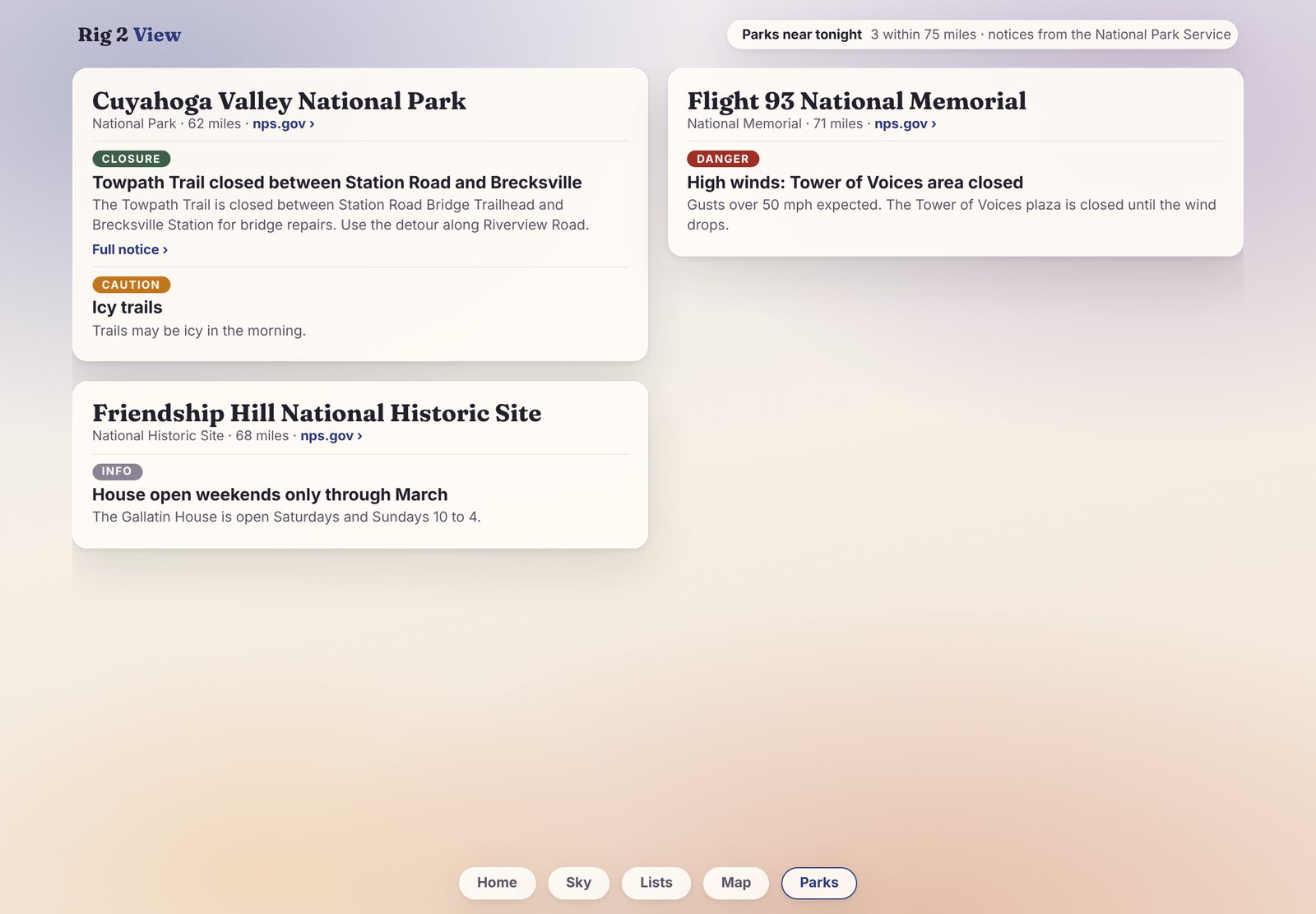
  • Closures and danger notices from national parks nearby show up the same way.
  • Countdowns to the next campground, the next boondock site, or home for Christmas.
The Parks screen: national parks within 75 miles with their current closures, cautions and notices.

Lists

Setup and teardown, one step at a time.

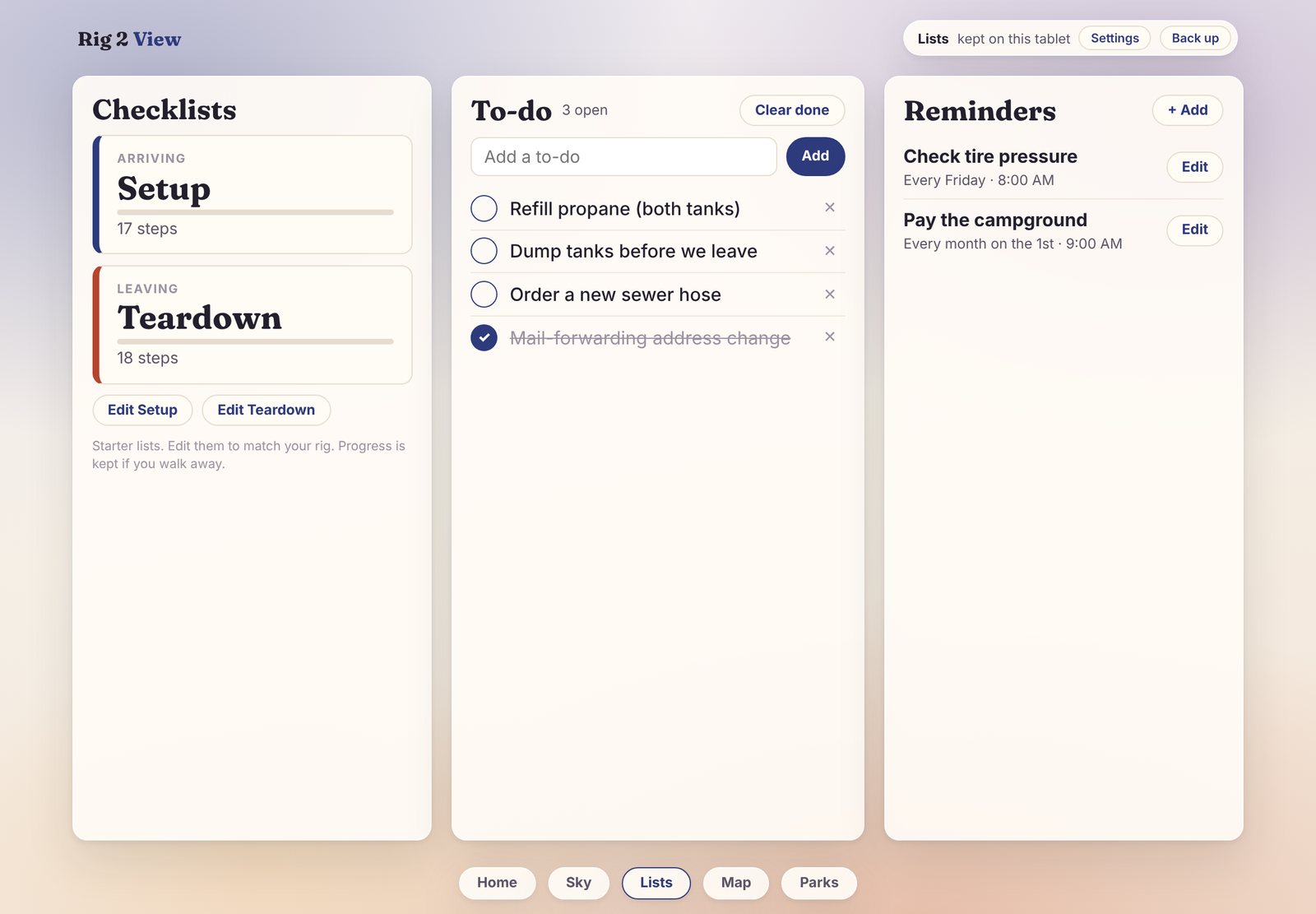
Checklists walk you through arriving and leaving, so nothing gets skipped when you're tired. They come with a starter list. Make them match your rig.

  • A to-do list for the little stuff.
  • Reminders that pop up on the home screen until someone taps Done.
The Lists screen: Setup and Teardown checklists, a to-do list and reminders.

Where you've been

Color in the map.

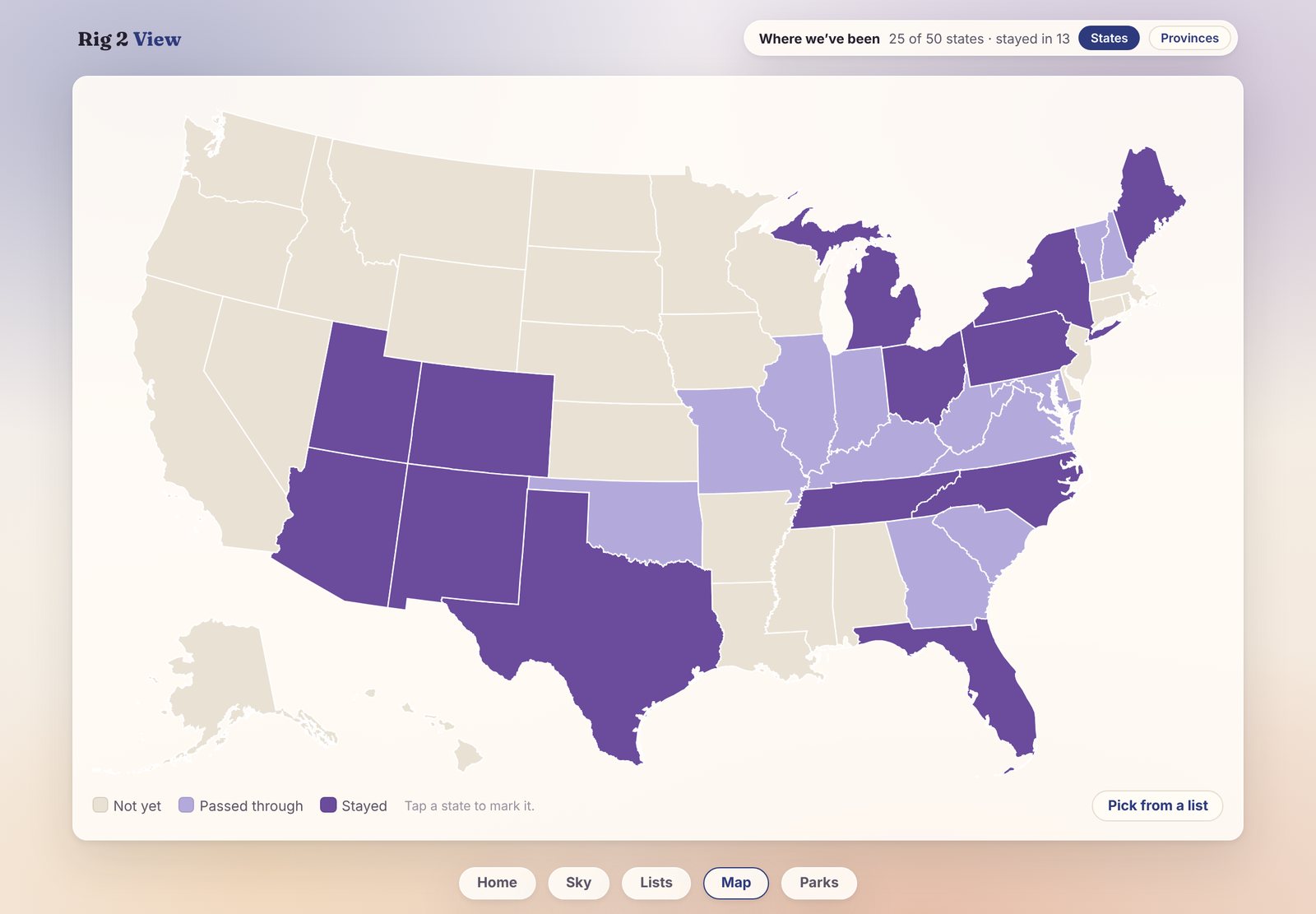
Tap a state or province to mark it: passed through, or stayed. It's the sticker map on the side of the rig, without the stickers.

The map screen: US states shaded for passed through and stayed.

The sky

For the stargazers.

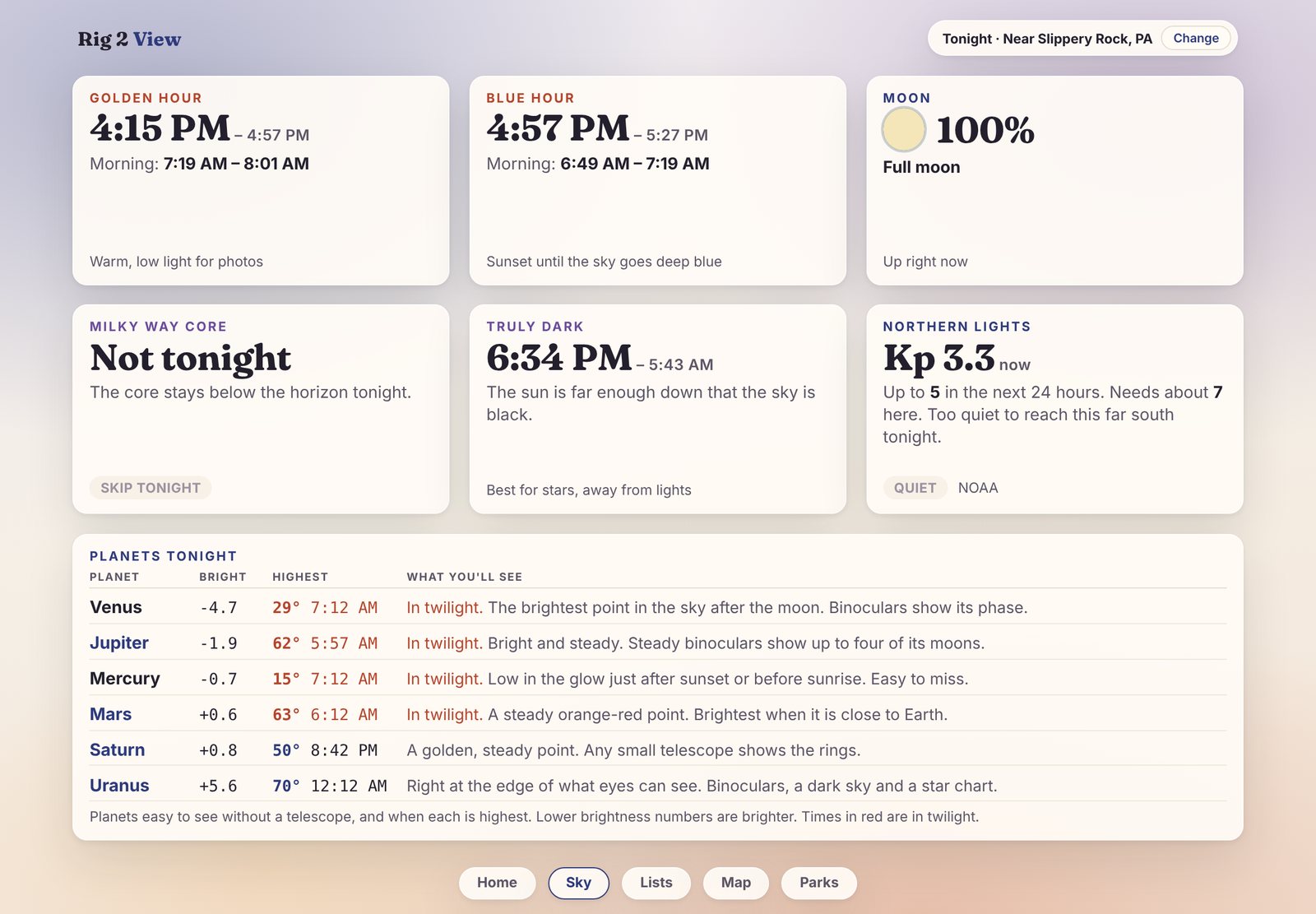
Golden hour, when it gets truly dark, the moon, the Milky Way, which planets are up, and your chances of northern lights tonight.

Not a stargazer? Turn the Sky screen off.

The Sky screen: golden hour, blue hour, the moon, the Milky Way, truly dark, northern lights and the planets tonight.

And a few nice extras.

Dims at night

The screen turns itself down at bedtime and back up in the morning. You pick the hours.

Guest Wi-Fi

Company over? They scan a code on the screen and they're on your Wi-Fi. No spelling out passwords.

Your photos

Add your own pictures and let it run a slideshow. They stay on the screen, not on the internet.

Our promise

Your stuff stays on your screen.

There's no account and no sign-up. We don't keep a customer database. Your lists, photos, map and settings live on your device, and nowhere else.

To get the weather, your screen asks our small service. It gets your spot rounded to a few miles, and it keeps no record of you or what you asked. Want a copy of your setup? Back it up to a file whenever you like.

Read the privacy policy

What you need

An iPad or other tablet you can mount on the wall.

It runs in the web browser. There's nothing to download from an app store. Add it to the home screen and it opens full screen, like an app.

It's invite-only for now

We're testing with a few RVers before we open it up.

Have an invite? Open Rig 2 View and type your code once.

Want one? Email support@rig2view.com and tell us a little about your rig.